For communities
Nobody in the room left out.
Newcomers and long-time members don’t share a language. Interpreters don’t fit the budget.
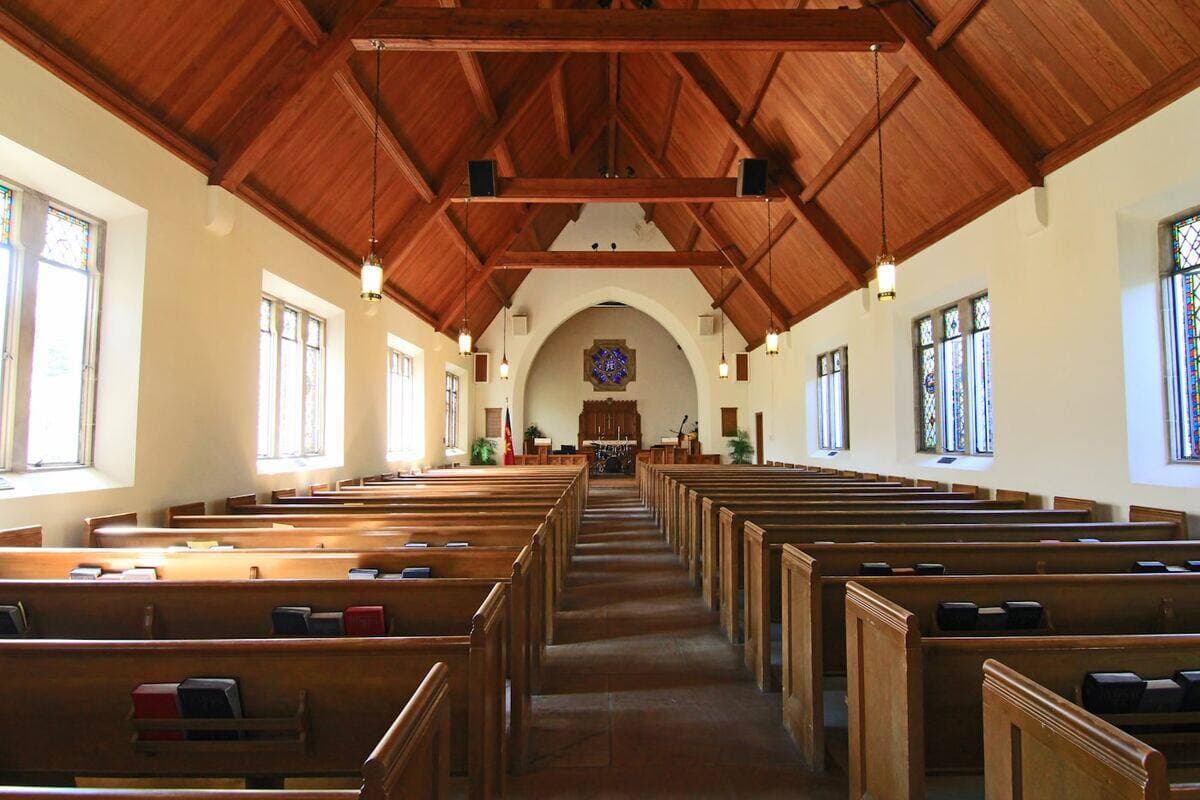
The situation
One volunteer with a laptop runs Spotlight. Bigger events with a sound system use Conference.
The workflow
01
Speaker
Laptop mic or sound system
02
Tõlk
Community languages
03
Everyone
Own phone and earphones
What to use
Recommended products.
Before you go live
Practical considerations.
Hear it
What your audience would hear.
Join the listener demo on your phone, or watch Tõlk at a real event.
Join as a listener
The real listener page with real Tõlk translations. Pick a broadcast and a language, then listen with captions, AI Summary, agenda and speakers.
Tõlk in action
Real footage: captions on a laptop, a listener on their phone, the AV desk on air.
The Live AI Translation Hub
Ready for your next moment?
Tell us what to make multilingual. We pilot it on your content, then you decide.